Deep Search / Cache Capture
Deep Search
If Cat Catch cannot sniff resources by default, it is strongly recommended to try Deep Search first. On the popup page, click Search to enable it. By intercepting some important functions, it analyzes hidden m3u8 or mpd files on the website. It also tries to cache the m3u8 file content to solve the problem that m3u8 addresses on some websites can only be opened once. And it collects all suspected m3u8 key data #maybekey
Deep Search is very resource-intensive and may cause the webpage to fail to open or play videos normally, so it is disabled by default. You can force it to stay always on via Settings -> Script -> Always Open Deep Search.
Capture/Record
Cache Capture
Get video cache. Use it when Deep Search still cannot capture. The disadvantage is that you need to wait for the video to be fully buffered. The advantage is that it supports most websites. You can play at multiple speeds or drag the progress bar. Just buffer the entire video and it will prompt that capture is complete. One capture can only capture one video, otherwise the data will be disordered.
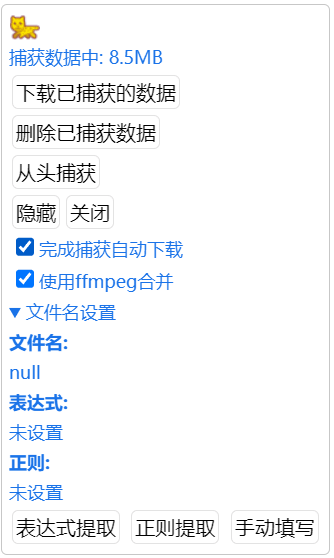
Expression Extraction
Select text on the current page as the filename via CSS selector.
Regex Extraction
Get characters from the current page as the filename via regex. If Expression Extraction is not set, it will regex match the entire webpage. If Expression Extraction is set, it will regex extract from the expression extraction results.
Use ffmpeg to Merge
The captured data is divided into two files: video and audio. This is normal (pay attention to the browser prompt and allow multiple file downloads). You can check this option. When downloading, if the file is smaller than 2G, online ffmpeg merge will be performed.
INFO
Fix video quality and other settings before cache capture. Do not modify the quality during the process, otherwise the captured data will be disordered!
When using cache capture to continuously capture videos, please wait for the video to finish playing and download automatically. Manual download easily causes data confusion.
INFO
Cat Catch strongly advises against using the cache capture feature to record live streams. The extension stores data in memory. Once crashed, the data will be gone forever. For your precious data, use Cat Catch to obtain the live address and use third-party software to read and save it.
More Features - Video Recording
Use the built-in JavaScript recording function to record videos. It can record some live streaming websites. It will record all your operations on the video, including play, pause, drag, and switch. Recording videos requires a stronger CPU, otherwise it will be very laggy. Cannot record copyright-protected videos.
More Features - Screen Capture
Use the screen sharing method to record videos. Requires Chromium 104 and above.
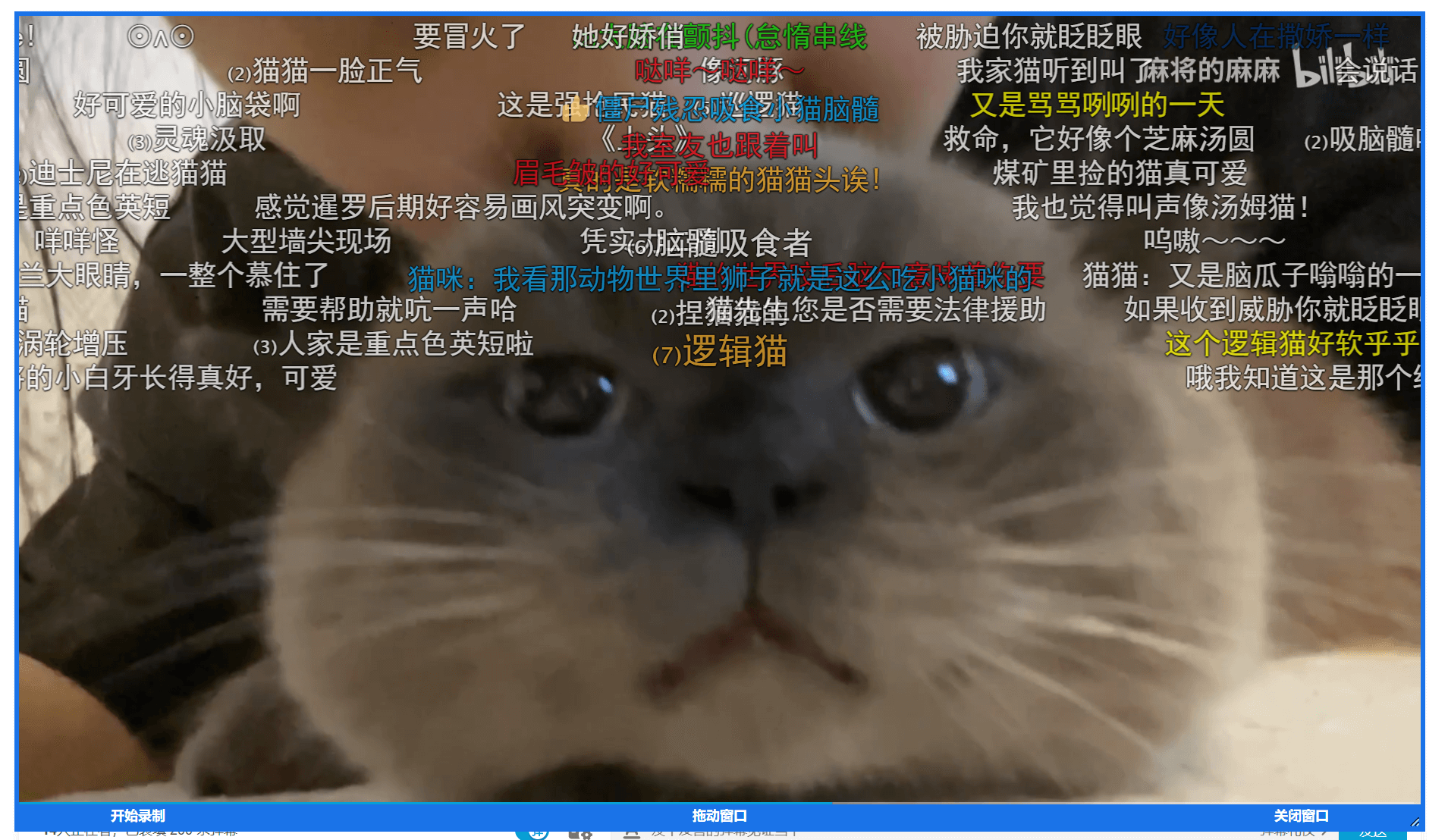
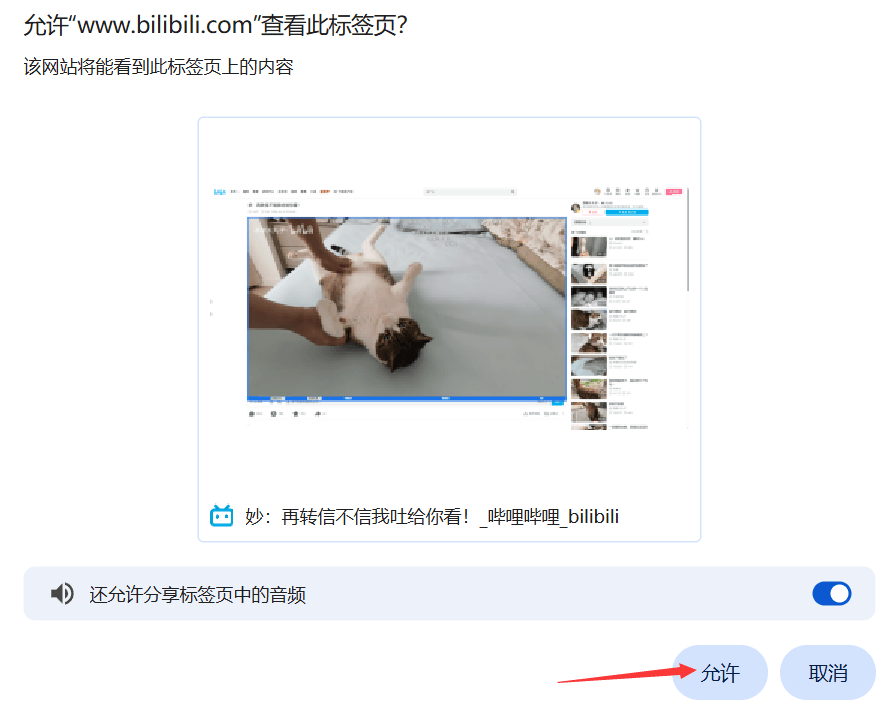
Select Screen Capture. After clicking, a recording area frame will appear on the page. Adjust the size and position of the frame to select the entire video. After clicking Start Recording, the browser will prompt you whether to allow viewing the tab. Click Allow. Remember to check Share tab audio to record audio. When recording is complete, the final format is webm...
INFO
Lower version browsers may have a bug where there is no sound during recording. Please upgrade your browser.
More Features - Record WebRTC
WebRTC live streaming is commonly found in online video chat websites. You can try using this script.
Compatibility
The above features require Chromium 102 and above, Firefox 128 and above.