Popup Page
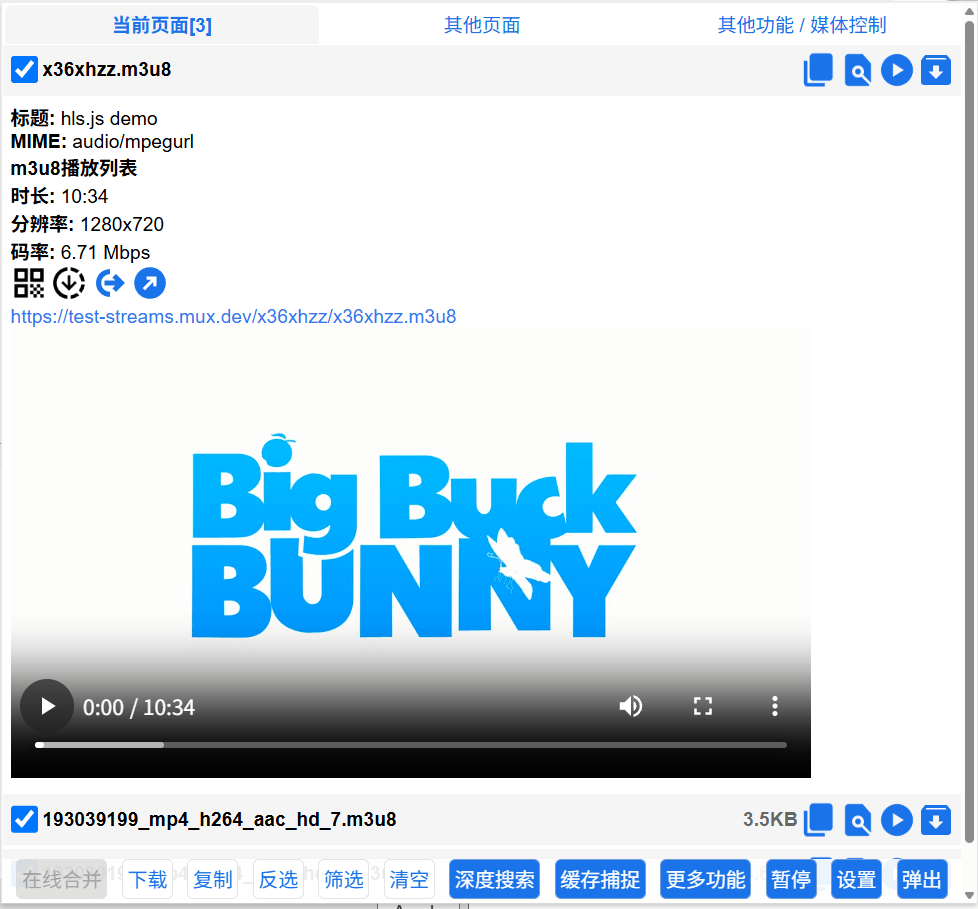
 If a resource contains this icon, it means the resource comes from special sources such as deep search, regular expressions, or userscripts.
Merge Download
Many websites separate video and audio. When you check two resources (one video, one audio), the Merge Download button becomes clickable. Cat Catch will download the audio and video separately, then merge them using online ffmpeg.
Popup
Jump to a more complete filtering page. See Filter Preview Page for details.
More Features - Mobile Simulation
Click to refresh the current page and change the browser's User-Agent to mobile, making the webpage display its mobile version. Many resources that cannot be downloaded or sniffed on the PC version can be downloaded and sniffed on the mobile version.
More Features - Auto Download
Once enabled, resources will be downloaded immediately as soon as they are sniffed. This is suitable for websites where you cannot find the m3u8 but there is a continuous stream of ts segments. You can play and download at the same time, then merge them using third-party tools.
Other Buttons
 Button to display the QR code of the resource URL
 Download resource button with Referer header